A thermal image on its own is not a report
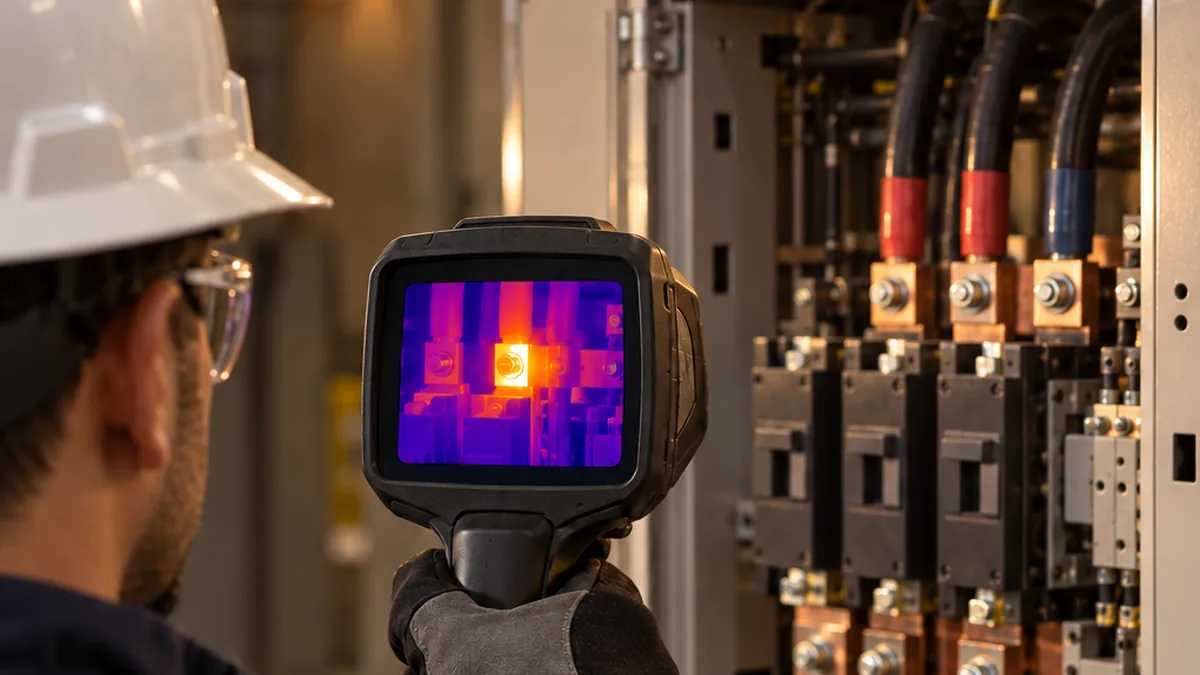
A thermal image shows a pattern of apparent temperature at a single moment. On its own, it does not tell you which equipment was inspected, what load it was carrying, which settings were used for the measurement or what reference the hot spot was compared with. Without that context, even a good thermogram is hard to interpret and impossible to review.
The value of an inspection lies in the chain that connects the capture in the field to the PDF report delivered to the client. What you record with the image supports the analysis; the analysis supports the severity rating; and the severity rating supports the recommendation.
This article focuses on the practical process, step by step, and on why each record matters. Route planning and the full content of the report were covered in another article on this blog, about turning a thermographic inspection route into a technical report.
Step 1 — In the field, before you pull the trigger
Safety and technical responsibility
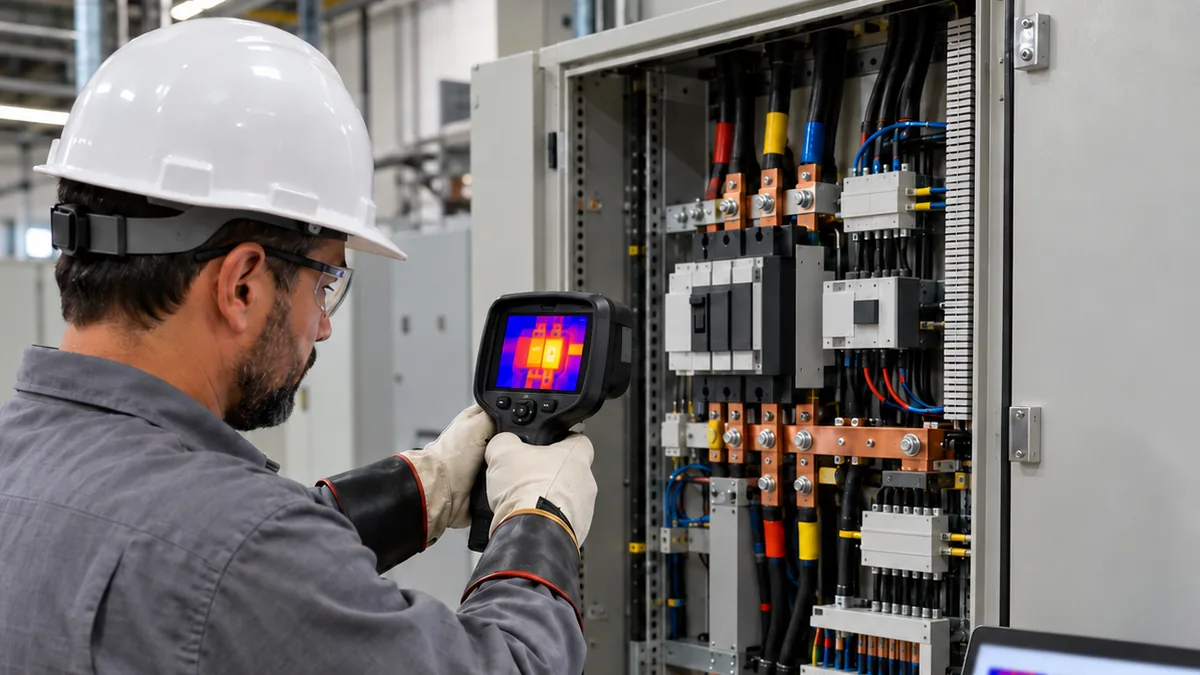
The survey must be carried out by a qualified thermographer following the facility's authorized procedures. Opening an energized panel, removing guards or approaching live parts is only acceptable under the applicable procedure, with a risk assessment and suitable personal protective equipment. The camera measures from a distance, but that does not remove the electrical hazard for the person holding it.
ABNT NBR 15572:2013, a Brazilian guide for thermographic inspection of electrical and mechanical equipment, is a useful reference for organizing responsibilities, inspection practices and the recording of results. ABNT NBR documents are Brazilian standards; outside Brazil, follow the standards and safety requirements adopted in your contract and country. If a point cannot be viewed safely, the right decision is to record the restriction rather than force the image.
Load, focus, distance and framing
Before capturing, confirm that the equipment is running at a representative load condition. A faulty connection may go unnoticed at low current, because heating depends on the current flowing through it. If the load at that moment is not the one you intend to assess, the record must say so.
Focus deserves special attention: in most cases it cannot be corrected later in software. An out-of-focus image can underestimate the apparent temperature of small components. Focus on the component of interest, not on the background.
Distance and framing determine how many pixels represent the target. A small component seen from far away may cover only a few pixels and be masked by its surroundings. Move closer within what the procedure allows, frame the suspect point together with a comparable reference and avoid reflections from nearby hot sources, including your own body.
Step 2 — What to record with each image
The image is the evidence; the records that go with it explain how it should be read.
Measurement settings
- Emissivity setting and its basis: emissivity determines how much of the detected radiation is attributed to the surface. Record the value used and where it came from: a reference table, a comparison measurement or a company procedure. Polished metals have low emissivity and reflect their surroundings.
- Reflected apparent temperature: this represents the radiation from the surroundings that the surface reflects toward the camera. It should not be confused with ambient air temperature. Record the value used and how it was determined; on low-emissivity surfaces, an error here changes the result considerably.
- Ambient temperature and outdoor conditions: air temperature is needed when the comparison is made between a component and ambient air. Outdoors, also record humidity, wind and sun exposure, which can cool or heat the surface regardless of any defect.
- Camera-to-target distance: it affects the resolution on the target and is used for atmospheric correction in many software packages. Recording it lets you check whether the component was large enough in the image.
ABNT NBR 16969 covers the general principles of infrared thermography, including concepts such as emissivity and reflected apparent temperature. It replaced earlier Brazilian standards that dealt with these topics separately.
Context of the inspected point
- Load condition at the time: when available, record the current or the percentage of load and the source of that figure, distinguishing an on-the-spot measurement, a reading from a panel instrument and information provided by operations. Without it, this survey cannot be compared with the next.
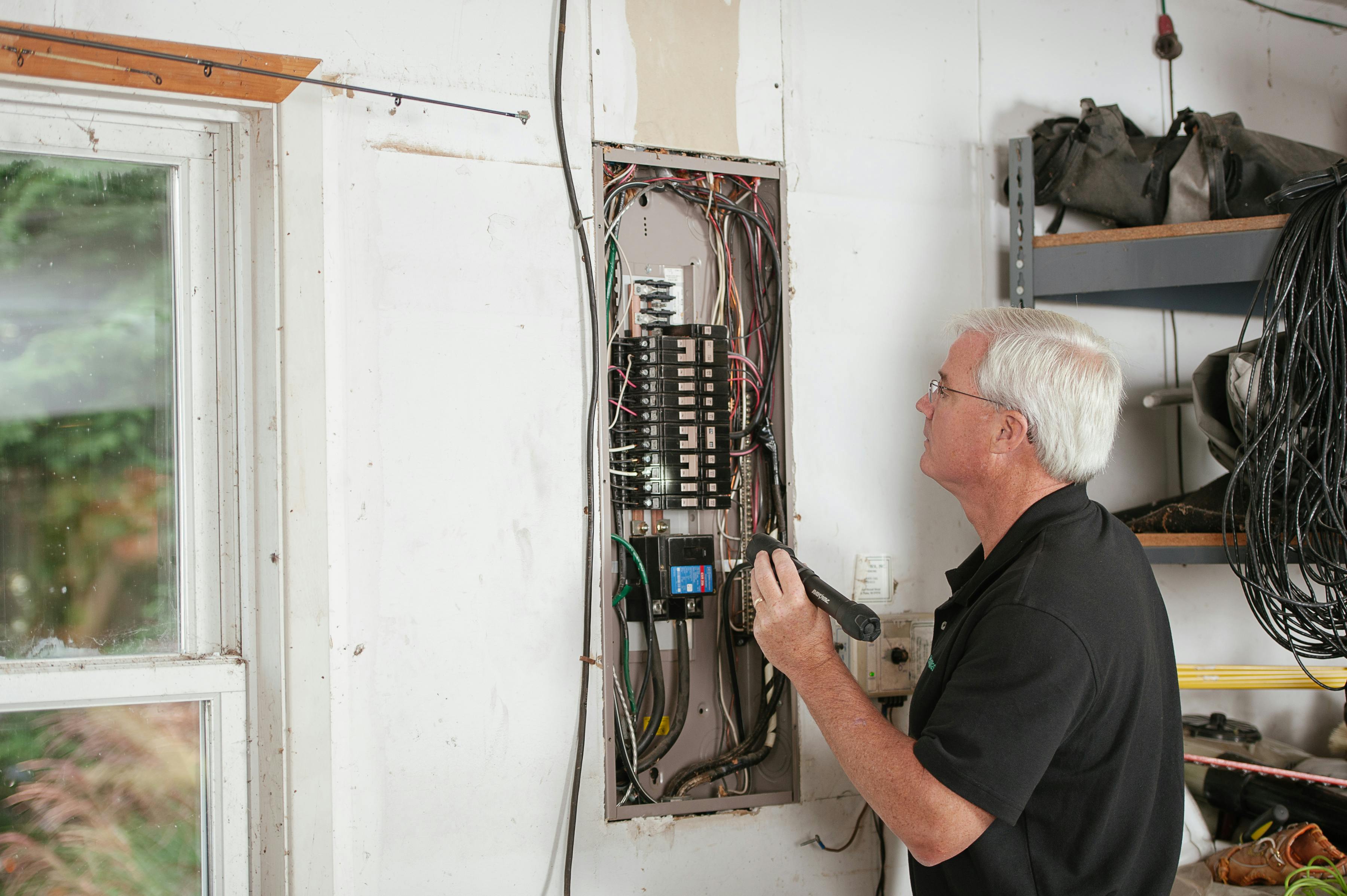
- Visual image of the same point: an ordinary photograph shows where the component is and its physical condition. It allows someone who was not in the field to confirm that the thermal image belongs to the right equipment.
- Equipment and point identification: TAG, location, panel, circuit and component position. The identification should match the one used in the route and in the client's asset register, so that the finding reaches the right asset.
- Date and time: they link the image to the operating state at that moment and make it possible to check the capture sequence.
- Camera and thermographer: camera model and serial number, calibration status according to the procedure and identification of the responsible professional.
Step 3 — Importing and organizing the files
Back at the office, the first rule is to keep the original radiometric file. It holds the temperature data for every pixel and the capture settings. A screenshot, or an exported image without radiometric data, makes it impossible to review emissivity, reflected apparent temperature or distance later.
Next, link the thermal image, the visual image and the inspected point as one set. Do this soon after the survey, with the route at hand, using the point identification and the capture sequence. Leaving it for later increases the risk of swapping images between similar points, such as phases of the same circuit or panels side by side. That mistake is hard to spot in the final review, because the report still looks consistent.
Step 4 — Analyzing the thermal image
Anomaly, reference and ΔT
During analysis, mark the anomalous point and the reference point used for comparison. The difference between them, the ΔT, only has meaning when the basis of comparison is stated. The two most common bases are similar components under similar load, such as the same connection on different phases, or the component compared with ambient air.
These bases are not interchangeable. Record which one was used, which component served as the reference and why the comparison is relevant.
Load influence and settings review
Resistive heating increases with load current. A ΔT measured at reduced load may understate the problem, and comparing surveys carried out at different loads calls for caution.
Before drawing conclusions, review the settings: emissivity, reflected apparent temperature, distance, ambient temperature and focus. Check that the heating is not a reflection, that the component covers enough pixels in the image and that the chosen reference is truly under the same condition. ABNT NBR 16818 covers the procedure for applying infrared thermography and received an amendment published in November 2025; consult the current version when defining your work procedure.
Step 5 — Severity, probable cause and recommendation
State the criteria before rating
Severity rating should follow the criteria defined by the client, the contract or the adopted standard. For example, ANSI/NETA MTS includes Table 100.18, Thermographic Survey — Suggested Actions Based on Temperature Rise, which suggests actions based on ΔT, with separate bases for comparisons between similar components and between a component and ambient air.
State in the report which severity criteria were used and their edition. Consult the standard itself to apply its ranges and guidance; this article does not reproduce numerical ΔT ranges or temperature limits. A rating without explicit criteria is hard to review and may suggest a precision the data do not support.
From hypothesis to recommendation
The probable cause should be presented as a hypothesis, linked to the thermal pattern and the load condition. Heating concentrated on a connection may point to high contact resistance, but the image alone does not confirm insufficient tightening, oxidation or damage.
The recommendation must be actionable: what to check or correct, which complementary tests to perform and what priority to assign, with the reasoning behind that priority.
Step 6 — Generating the PDF and delivering it
Before issuing, review the document as a whole: identification of each point, image matching, settings, criteria, recommendations and priorities. List the areas that were not inspected or were inaccessible, and why, because the absence of a record does not mean the absence of an anomaly.
The report should identify the responsible professional and carry their signature, according to the approval workflow in place. On delivery, ensure traceability: the client needs to relate the report to the inspected assets and compare it with future surveys. Keep the original radiometric files together with the issued report.
How ThermalReports supports this workflow
ThermalReports brings this process together in a single workflow that runs in the browser. Thermal images are uploaded together with the inspected point data, and the upload accepts radiometric images and JPEG files straight from the camera, with metadata and palettes preserved. The platform also works with inspection routes, which helps keep the identification used in the field.
During evaluation, the thermographer records severity and temperatures and links the finding to the equipment and the standard. Assisted anomaly classification supports the work, and the evaluation criteria are recorded. The thermographer reviews the classification and remains responsible for the technical assessment of each finding.
The system generates a professional PDF with your visual identity, images and a findings table, based on technical standards such as ANSI/NETA MTS-2019. Reports can be shared by QR code, link or export, and each registered asset receives a QR code with its inspection history, which supports traceability from one visit to the next.
Checklist before issuing the PDF
- Thermal and visual images match the same point, with the correct TAG and location.
- Original radiometric files are preserved.
- Emissivity, reflected apparent temperature, ambient temperature and distance have been reviewed.
- Load condition is recorded, along with the source of the data.
- Anomaly, reference, ΔT and basis of comparison are stated.
- Severity criteria and their edition are identified.
- Probable cause is presented as a hypothesis; recommendation and priority are justified.
- Uninspected areas, date, time, camera, thermographer and signature have been checked.
From image to report
A good thermal image is the start of the job, not the end. What turns a thermogram into a maintenance decision is the context recorded in the field, preserved during organization, used in the analysis and clearly presented in the PDF.
Learn more about ThermalReports at thermalreports.com and see how to take this process from the thermal image to the report delivered to your client.